Setting up OpenAI Ads
 Updated
by
Andreea Mahu
Updated
by
Andreea Mahu
To populate your reports and dashboards with OpenAI Ads data you need to enable the OpenAI Ads integration.
Setting up OpenAI Ads
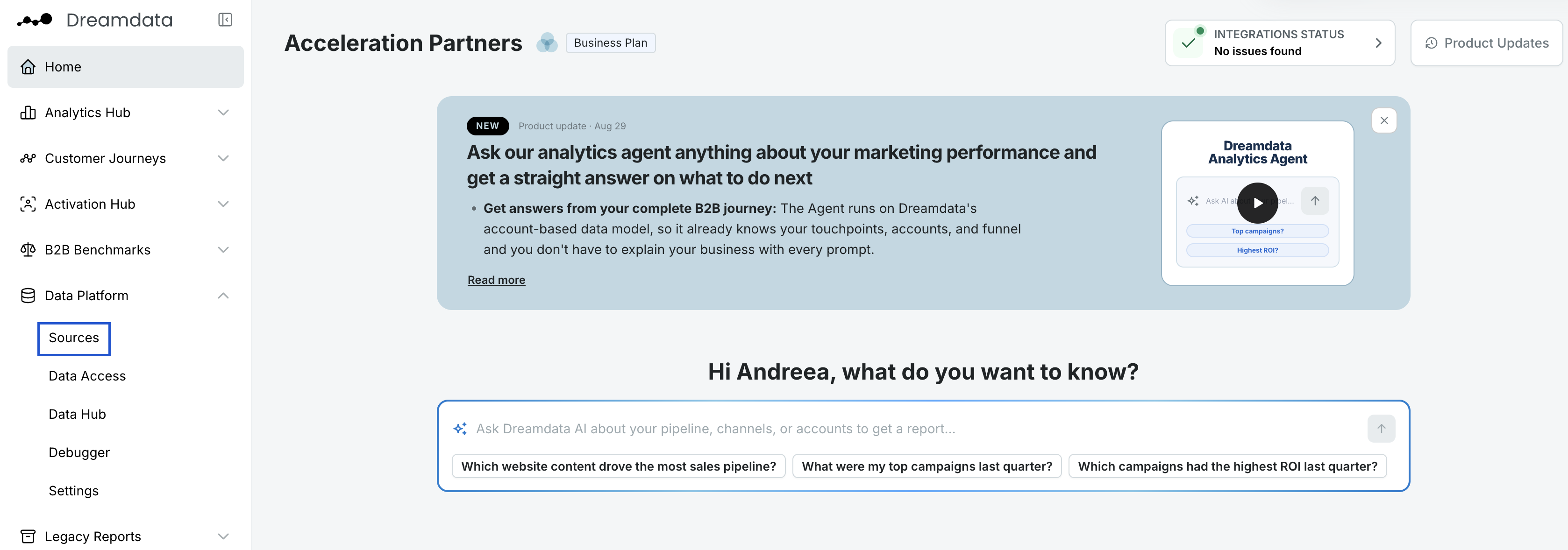
- In Dreamdata's main menu on your left side, click on Data Platform and then select "Sources".
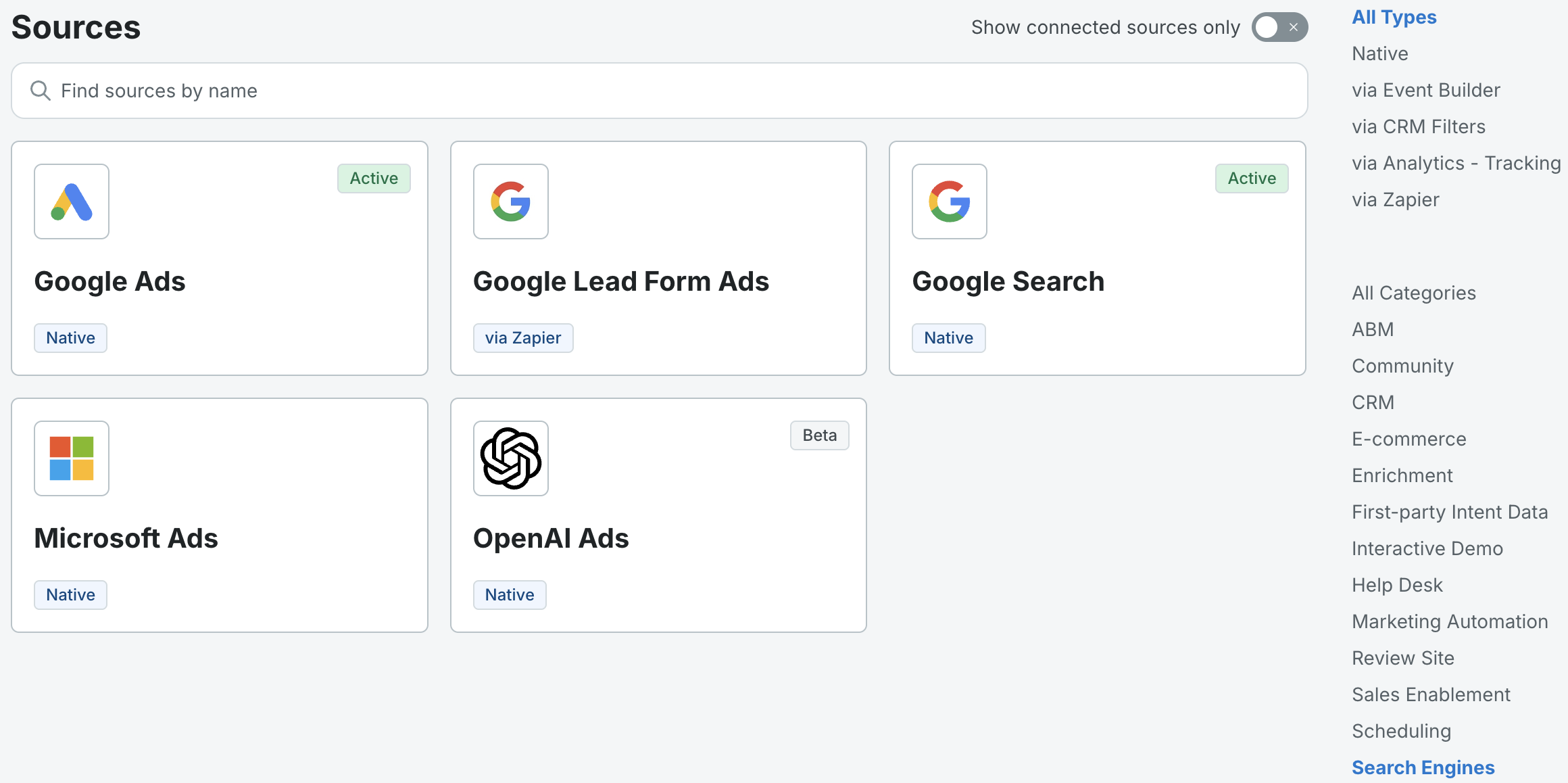
- On the Sources page, select "OpenAI Ads", either from the Search Engines section or by searching for it, using the search bar.
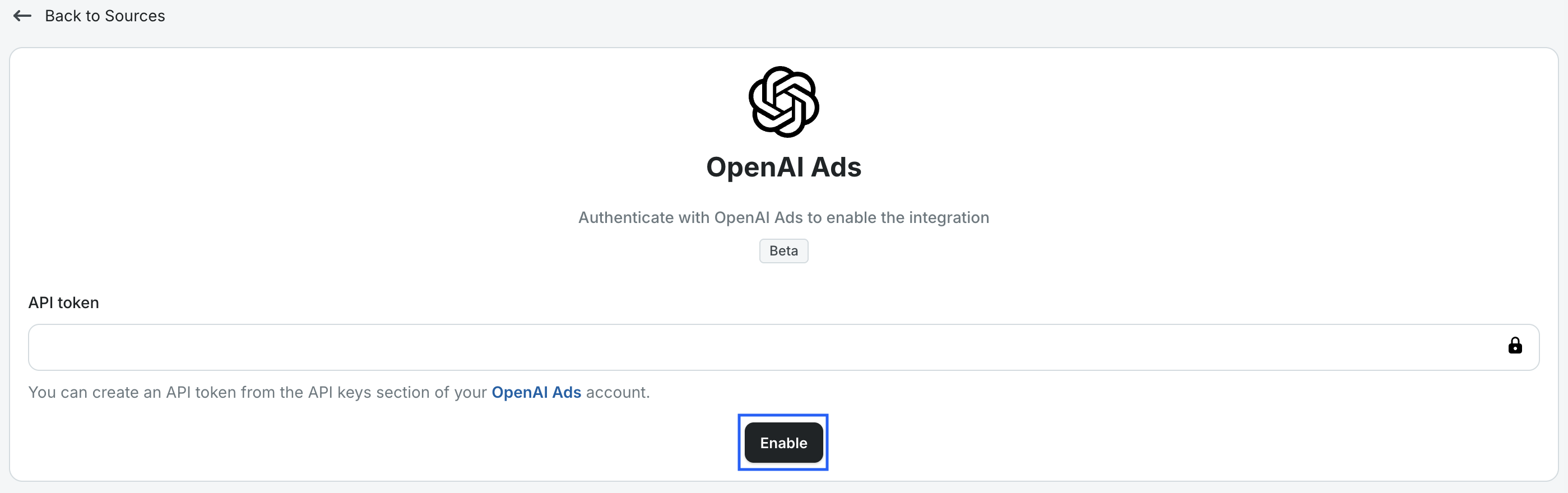
- Add the API token for the relevant ad account and click "Enable" (a new tab will open).
- You're all set 🔥 It can take up to 48 hours before data begins to appear in your reports (look for source ChatGPT), dashboards, and in the company journeys.
What data do we get from OpenAI Ads?
We get daily OpenAI campaign performance which contains daily cost, clicks and impressions for each campaign, ad set and ad. Dreamdata will get all the historical data available in your OpenAI Ads account from the last 1 year.
Tracking OpenAI Ads UTM parameters
In order for us to properly track your OpenAI Ads, we recommend you use the following UTM parameters:
utm_source=chatgpt&utm_medium=paid_llm&utm_campaign={campaign_id}&account_id={ad_account_id}&ad_group_id={ad_group_id}&ad_id={ad_id}
By default, oppref={oppref} is added as a last parameter independent of other parameters defined by you.
